How Do I Publish a Site?
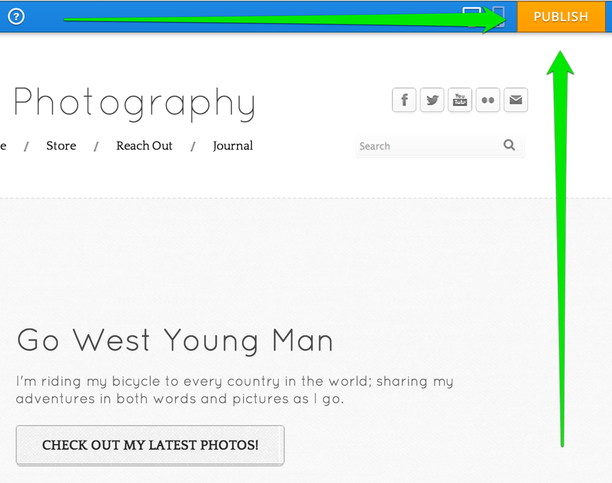
When you're ready, you can get your site out on the internet by Publishing it. You can do this at any point, and you can always add more content to the site later and Publish it again. To Publish a site, click the orange Publish button in the upper right corner of the editor.
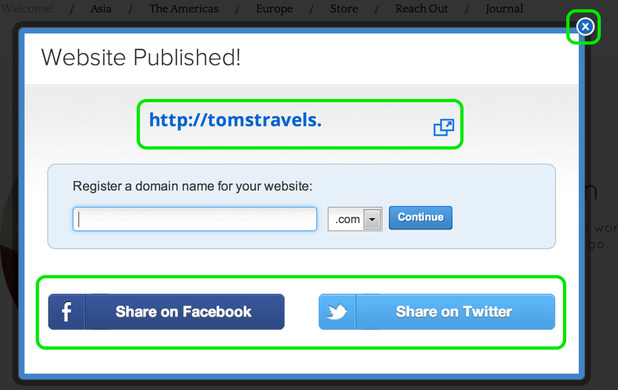
This will bring up a verification box, letting you know your site has been Published. You can click the Published address to view your site and click the "x" in the corner of the box to close the box and continue editing your site.